Category · 6 tools
AI Tools for OnlyFans Creators
In 2026, AI tools for OnlyFans creators replace part of the photoshoot, since you write a prompt instead of booking a set and get back new photographs or short video clips of one consistent identity. The six tools below all live in FansCreator, so they share one account, one credit balance and one persona. Two generators make new images and video, and the AI model builder designs an original persona. Two face swap tools put the right face on pictures and clips you already have, and the editor changes a finished image from a written instruction. Each one is built for adult creators, so it doesn't refuse adult prompts, but all of them block real people without consent and anyone who is underage.
Top picks
6 tools NSFW AI image generator
Uncensored photo sets for creators and AI models
FansCreator plans: $29, $99 or $299/mo
- NSFW AI video generator
Short uncensored clips for PPV and teasers
FansCreator plans: $29, $99 or $299/mo
- AI OnlyFans model
Building a consistent AI influencer from scratch
FansCreator plans: $29, $99 or $299/mo
- AI face swap
Putting one consistent face on new photos
FansCreator plans: $29, $99 or $299/mo
- AI video face swap
Swapping faces in existing video clips
FansCreator plans: $29, $99 or $299/mo
- Uncensored AI image editor
Editing explicit images that mainstream editors refuse
FansCreator plans: $29, $99 or $299/mo
NSFW AI image generator
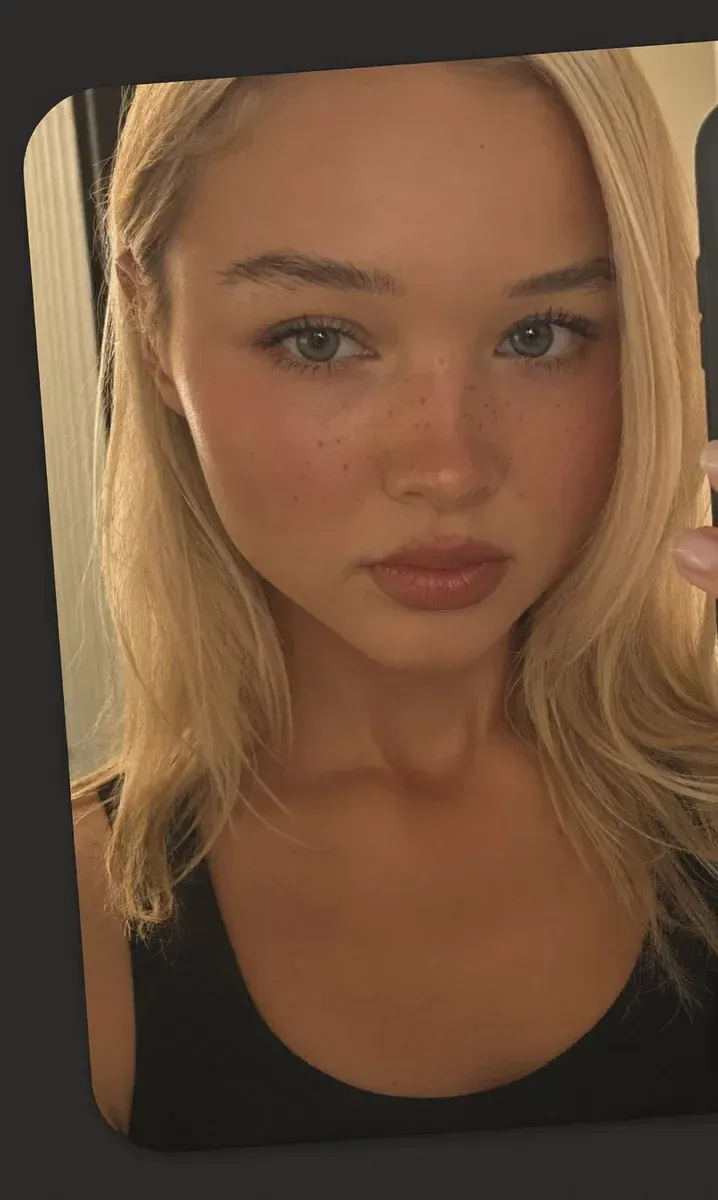
The NSFW AI image generator turns a one-line prompt into photos of the persona you designed, with the same face and body in every frame. You can ask for a photoreal look or name a style such as anime or painted, and the character stays the same. It runs on open-weight image models that allow adult content, and it adds captions and crops for OnlyFans, Instagram, TikTok and X.
- Price
- FansCreator plans: $29, $99 or $299/mo
- Product
- FansCreator
Pros
- The persona lock keeps one face across a whole set, which is what subscribers pay for
- Photoreal, illustrated and painted looks from the same character
- Captions and per-platform crops come with the download
Cons
- The $29 Starter plan downloads low resolution only; full resolution starts on the $99 plan
- Each photo uses credits, so large sets need a bigger plan or a top-up
NSFW AI video generator
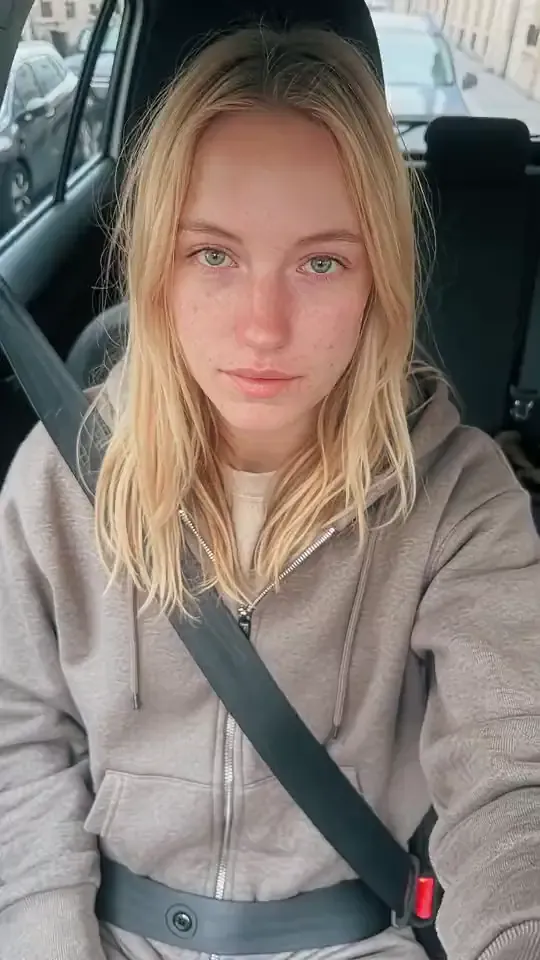
The NSFW AI video generator animates a photo you already approved into a short clip, so the face, outfit and room stay the same. You describe the motion and the camera, and the clip renders on the server, with no GPU or local setup. It uses the open-weight Wan model and Seedance for cinematic motion, because mainstream video models refuse adult prompts.
- Price
- FansCreator plans: $29, $99 or $299/mo
- Product
- FansCreator
Pros
- Image-to-video keeps the clip on-model with your photo sets
- Runs in the browser, with no GPU or ComfyUI install
- Clips work for the feed, PPV messages, custom requests and safe teasers
Cons
- Clips are short; a 10-second clip costs about 46 credits, so Starter covers about 6 a month
- The Starter plan makes low-resolution video only
AI OnlyFans model
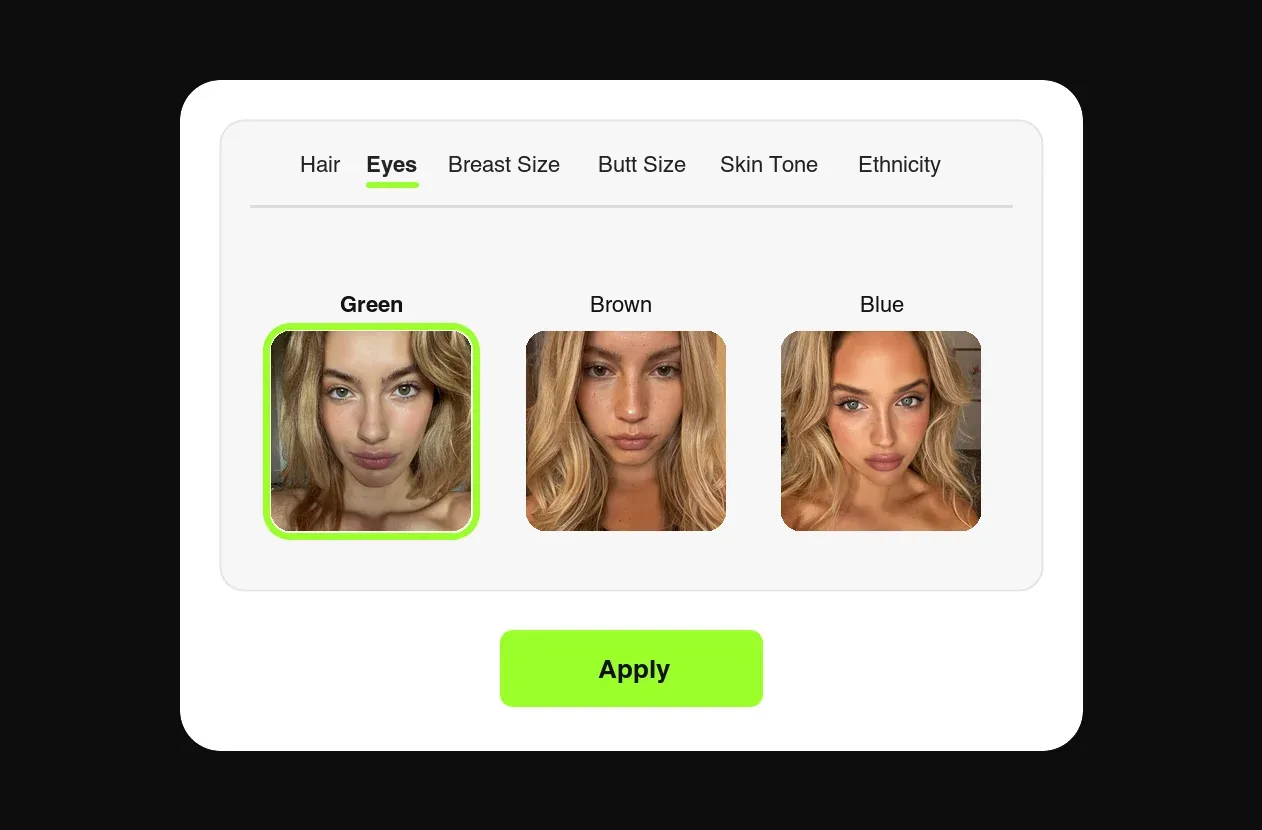
The AI OnlyFans model builder lets you design an original persona, from hair and eyes to body type, ethnicity and skin tone, then generate her content in the same workspace. Under the OnlyFans Terms of Use updated in October 2026, a wholly AI account can't run on OnlyFans, so an original model posts on Fanvue or MYM. Verified OnlyFans creators can use the same workflow on their own likeness instead.
- Price
- FansCreator plans: $29, $99 or $299/mo
- Product
- FansCreator
Pros
- Designing the model and making her content is one workflow, not two tools
- The Basic plan covers 5 creators and Pro covers unlimited creators, so a second model costs prompts, not a shoot
- The FansCreator pages spell out each platform's AI rules
Cons
- An original AI persona can't post on OnlyFans, and Fansly bans photorealistic AI even when labeled
- FansCreator never posts for you, so you still download and publish everything yourself
AI face swap
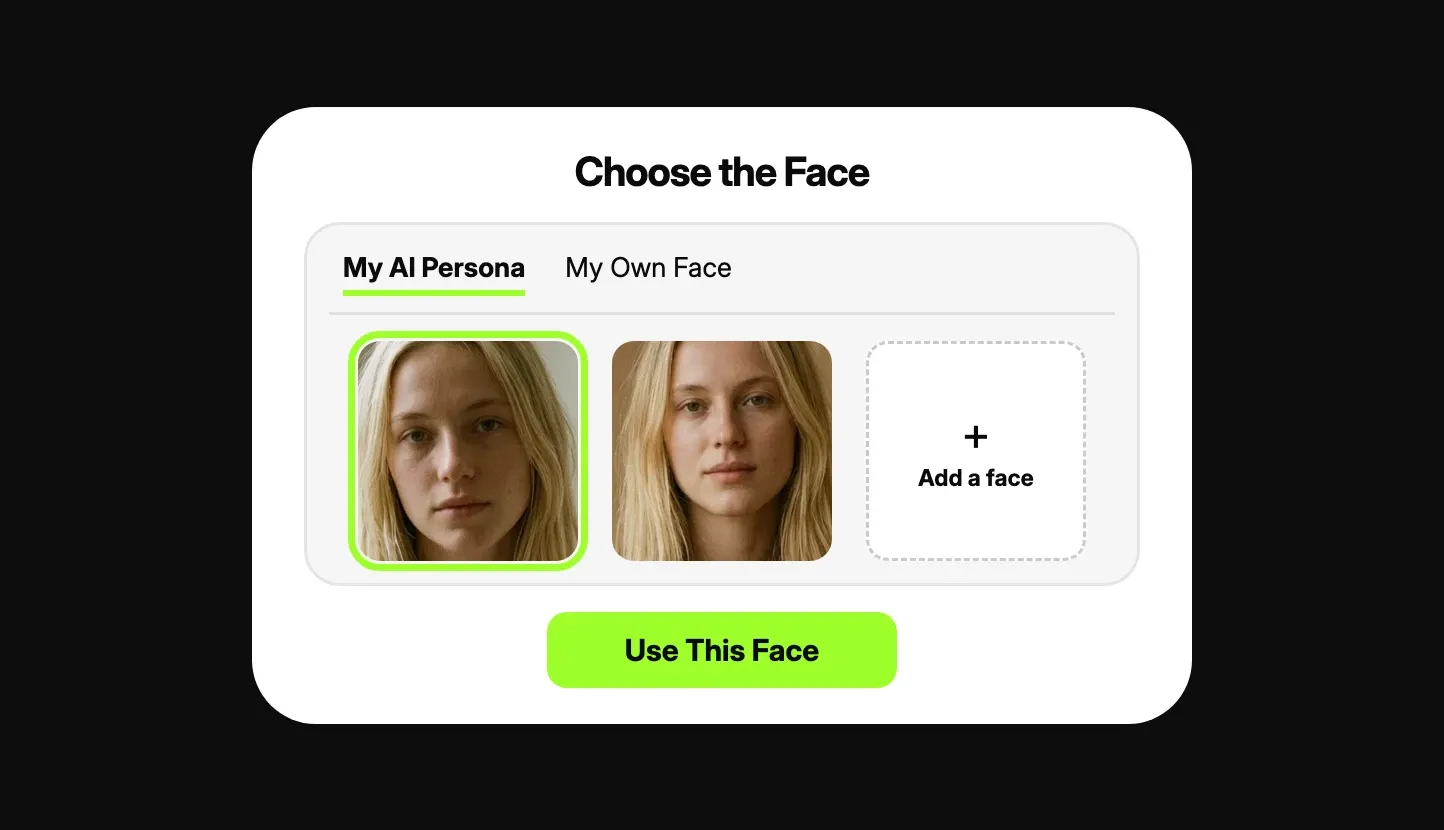
AI face swap places a face onto the person in another picture, matching angle, light and skin tone so the result reads as one image. The face must be yours, your AI persona's, or someone whose consent you can prove. A character swap mode goes further and replaces face, hair and body while keeping the pose, outfit and setting.
- Price
- FansCreator plans: $29, $99 or $299/mo
- Product
- FansCreator
Pros
- Adult pictures are swapped instead of rejected or blurred
- Character swap fixes scenes where the body doesn't match the persona
- Works next to the generator and the editor in one workspace
Cons
- Swaps one face per picture; several faces in one picture and GIFs aren't supported
- On OnlyFans only your own face is allowed, since a persona's face doesn't clearly feature you
AI video face swap
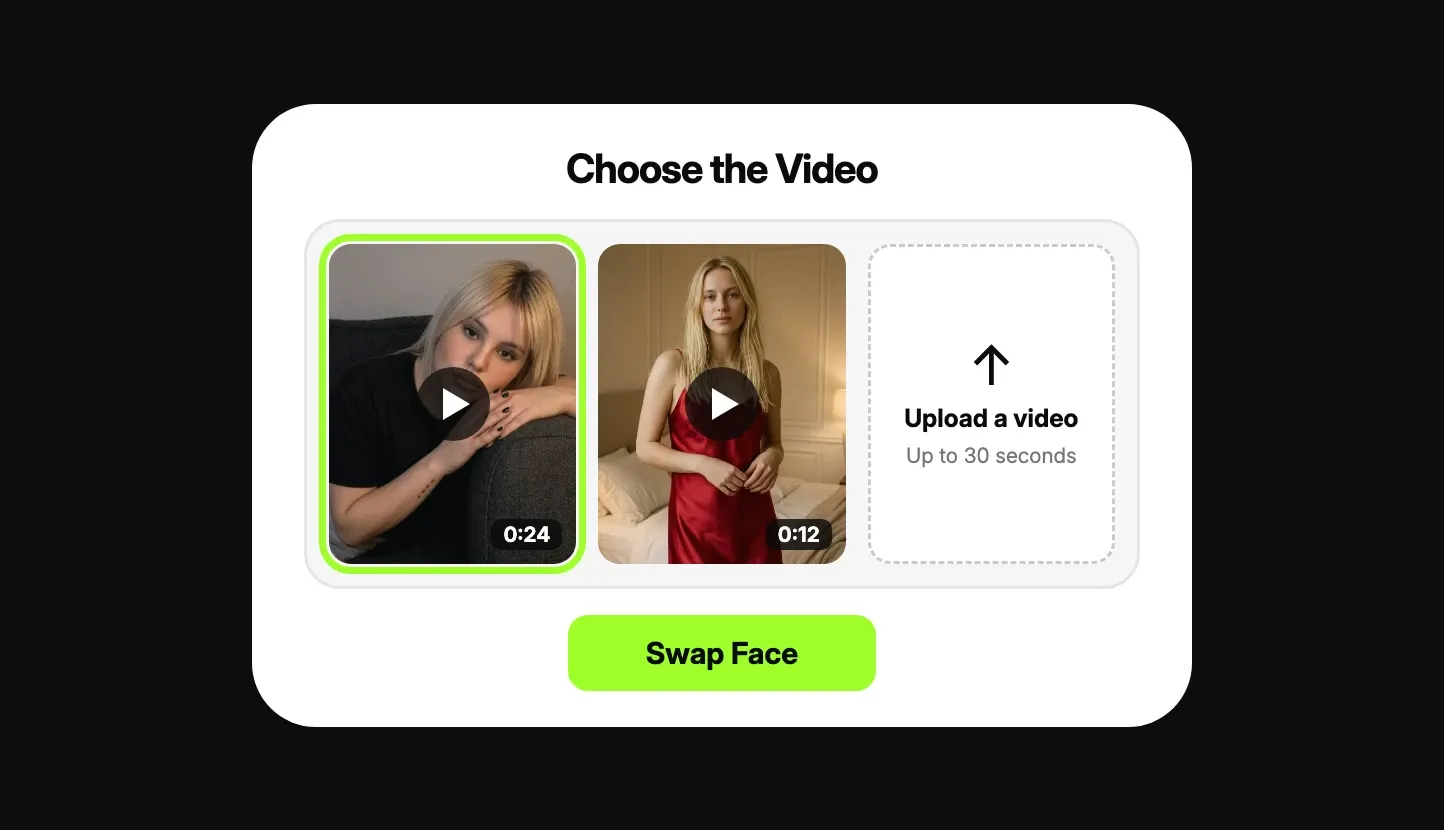
AI video face swap puts your face or your persona's face onto a clip up to 30 seconds long, frame by frame, so it follows the head as it moves. You upload your own video or pick one you generated, and FansCreator says the result comes back in a minute at most with the original sound. No plan adds a watermark to the finished clip, and that includes the free plan.
- Price
- FansCreator plans: $29, $99 or $299/mo
- Product
- FansCreator
Pros
- No watermark on any plan, and the original sound is kept
- Ready in a minute at most, FansCreator says
- Character swap works on video too
Cons
- Videos are capped at 30 seconds and must show one person
- FansCreator says the free plan exports at 720p and paid plans reach 1080p, though its pricing table lists Starter as low resolution only
Uncensored AI image editor
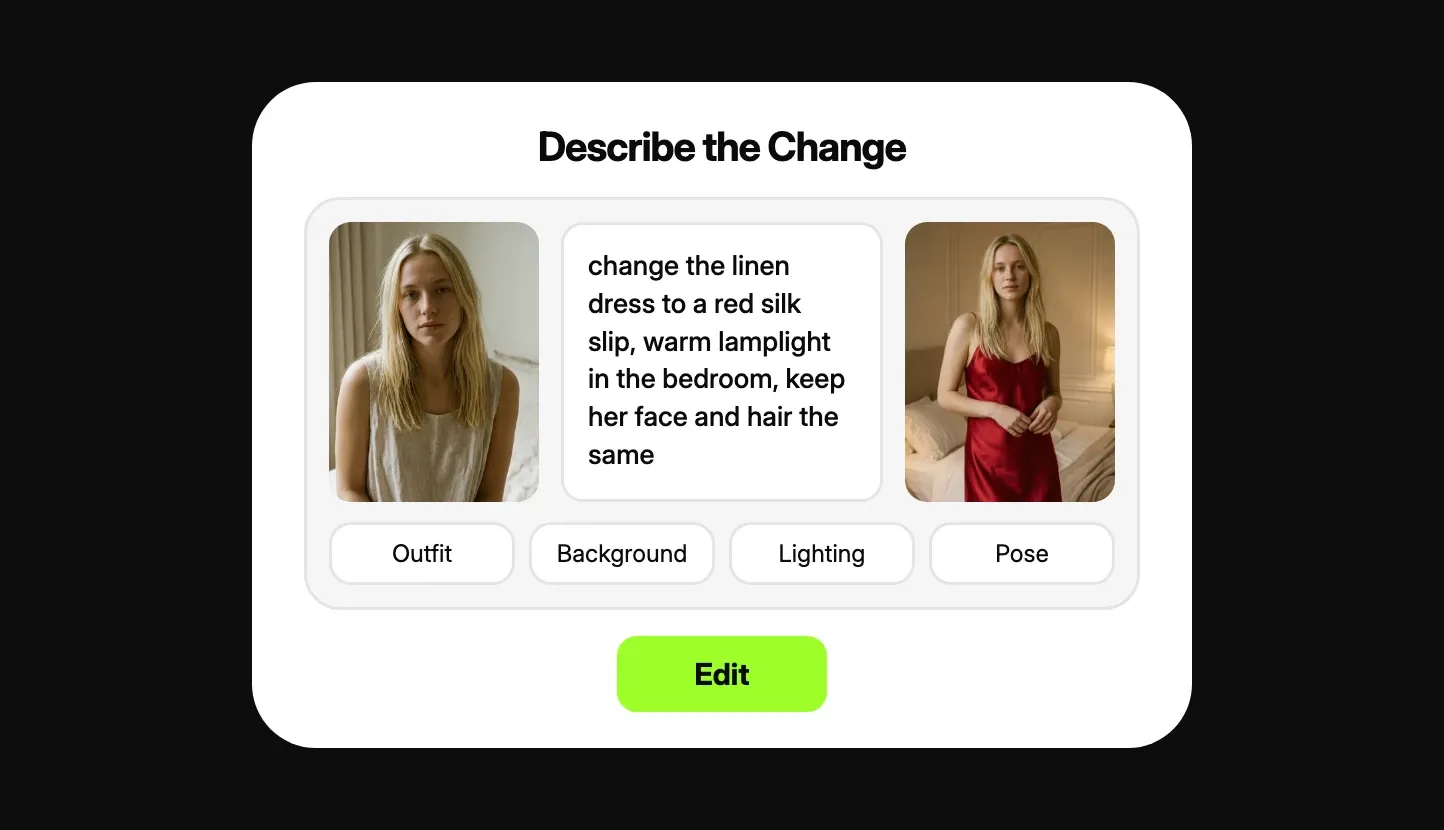
The uncensored AI image editor changes a picture from a sentence, with no layers, masks or selection tools. You upload a photo or pick a generated image, write what should change and what should stay, and download the edit. It is the quickest way to fix one detail or turn one strong image into a set of variations.
- Price
- FansCreator plans: $29, $99 or $299/mo
- Product
- FansCreator
Pros
- Edit by prompt, so no editing experience is needed
- Turns one image into several versions for sets and custom requests
- Downloads in formats for OnlyFans, Instagram, TikTok and X
Cons
- Full resolution needs a paid plan; the free plan is for testing
- Photos of other people are blocked without their consent, and heavily altered images can break OnlyFans rules
How to choose AI tools for OnlyFans creators
There is no single winner among 2026’s best AI tools for OnlyFans content creation, so pick the tool by the job you need done this week. Most creators and agencies use two or three of these together, and they all draw on one credit balance.
You need new content without a shoot. Start with the NSFW AI image generator. Fix the outfit, room and light in the first prompt, then change one thing per image, such as pose or angle, so that twenty images read as one shoot.
You want clips for PPV and teasers. Take the strongest still and animate it with the NSFW AI video generator. Ask for one motion and one camera move per clip, and start with a slow push-in, which is the most dependable first experiment.
You want to launch a new persona. Design her with the AI OnlyFans model builder and generate two to three weeks of content before launch. Plan to post on Fanvue or MYM, since OnlyFans removes wholly AI accounts.
You already have content that is almost right. Use AI face swap when the picture is right but the face isn’t. Use AI video face swap for clips up to 30 seconds, and use the uncensored AI image editor to change an outfit, a background or one small detail.
2026’s best AI tools for creating OnlyFans content, by job
| Job | Tool | Limit to know |
|---|---|---|
| New photo sets | NSFW AI image generator | Full resolution from $99 a month |
| Clips from photos | NSFW AI video generator | Short clips, about 46 credits each |
| A new AI persona | AI OnlyFans model | Posts on Fanvue or MYM, not OnlyFans |
| Right picture, wrong face | AI face swap | One face per picture |
| Right clip, wrong face | AI video face swap | 30 seconds, one person |
| Small fixes and variations | Uncensored AI image editor | Your own photos or consented ones |
What a FansCreator plan buys
FansCreator charges in monthly credits: a photo of a new AI persona costs about 2 credits, a photo with your own likeness about 4, and a 10-second video about 46. So the Starter plan at $29 a month, with 300 credits, buys about 150 persona photos or about 6 short clips. The Basic plan at $99 gives 1,500 credits, full-resolution downloads and up to 5 creators. Pro at $299 gives 5,000 credits, unlimited creators and 5 team seats, and Enterprise is priced on a call. Yearly billing costs ten times the monthly price, which saves two months. One-off top-up credits never expire and stack on any plan. For a single creator testing AI, Starter is enough to learn the workflow. An agency running several accounts will usually need Basic at least, because Starter downloads stay at low resolution.
Posting OnlyFans AI content within the rules
The tools make the content, but the rules of each platform decide where it can go. OnlyFans allows AI content only when it clearly features you, the verified creator, with a label such as #ai or #AIGenerated. Its Help Centre also lists heavily altered images and wholly AI-generated accounts as content you cannot share.
That shapes which AI tools for OnlyFans creators make sense on each account:
- OnlyFans: AI photos, clips, edits and face swaps of yourself, always labeled.
- Fanvue and MYM: an original AI model is allowed, with an AI label on the profile or posts.
- Fansly: no photorealistic AI at all, face swaps included, even when labeled.
- Instagram, TikTok and X: safe-for-work teasers cropped per platform, pointing back to the paid page.
FansCreator never posts for you: you download each file and publish it yourself, so nothing reaches an account without your review. That adds a manual step to every publication, but it also guarantees an unfortunate render never goes live accidentally.
Questions to ask before you pay
- Will the content feature you, or an original persona? That decides whether it can go on OnlyFans at all.
- Do you need video, or are photo sets enough for now? Video uses credits about twenty times faster than photos.
- How many creators will you run? Starter covers one, Basic covers five and Pro has no limit.
- Do you need full-resolution files? If yes, skip Starter and begin on Basic.
Frequently Asked Questions
Short answers to the questions agencies ask most.
What are 2026's best AI tools for OnlyFans creators?
The right pick depends on what you post each week. If you need new photo sets, start with the NSFW AI image generator, then add the video generator when you want clips for PPV messages. If you already shoot your own content, the image editor and the two face swap tools make more out of what you have.
Are AI tools for OnlyFans allowed by OnlyFans?
Yes, within limits that changed recently. Under the Terms of Use updated in October 2026, AI content on OnlyFans must clearly feature you, the verified creator, and carry a label such as #ai or #AIGenerated. Wholly AI-generated accounts and content aren't allowed there, so an original AI model belongs on Fanvue or MYM.
Can I try these OnlyFans AI tools for free?
Yes. FansCreator has a free plan with no card required, meant for testing your persona rather than running an account. Full resolution, more credits and more creators come with the paid plans at $29, $99 and $299 a month.
Do I need my own face to make OnlyFans AI content?
On OnlyFans, yes, because AI content there must clearly feature the verified creator. On Fanvue and MYM, an original AI persona can post with an AI label, and you verify as the operator behind it.
Can I use someone else's face?
No. Every tool here refuses identifiable individuals without documented consent, including celebrities and public figures, and blocks anyone underage or made to appear so. Putting a real person into adult content without consent is illegal in a growing number of countries.
Do I need a GPU or any software?
No. FansCreator renders photos and video on its own servers, so any modern browser works without installing anything. Running open-weight video models yourself usually needs a strong graphics card and minutes per clip.