Category · 5 tools
OnlyFans Chatbot and AI Agency Assistants
An OnlyFans chatbot is software that reads fan messages and sends replies for a creator. This page lists three ready-made AI chatters, ANNA for Creators, FanLTV and OnlyAI. It also lists the parts an agency uses to build its own, plus an AI assistant for the work behind the chats. Fans API gives a developer webhooks for incoming messages and a messaging API to reply, so your team controls the model, the scripts and the review step. AI Voice Messages adds automated voice notes in the creator's cloned voice. FansBot is different again. It helps the agency team with reports and chatter QA, and it never talks to fans.
Top picks
5 tools FansBot
Agency owners who want reports and chatter QA in Telegram, Slack or Discord
$69 free credits, then pay as you go
 AI Voice Messages
Sending personal voice notes to fans at scale
Add-on per account: free up to $5k creator revenue, then $10 to $50/mo
 ANNA for Creators
Agencies and creators replacing or supplementing human chatters
Prepaid credits, from $10
 FanLTV
Agencies scaling AI chatting across many creator profiles
From €200/mo per creator profile
 OnlyAI
OnlyFans agencies that want more accounts per chatter
From $65/mo per account, plus 5%
FansBot
FansBot is an AI operations assistant for OnlyFans agencies, not a chatbot. Your team asks it questions in Telegram, Slack or Discord, and it answers from live account data. It runs reports, chatter QA, payroll prep, whale lists and daily owner briefs across every creator. It never messages fans, never writes replies for chatters and never acts as the creator. You start with $69 in free credits, then pay as you go.


- Price
- $69 free credits, then pay as you go
- Product
- FansBot
Pros
- Answers questions about revenue, fans and chatters in the chat app your team already uses
- Can send scheduled reports, such as a daily recap for the owner
- Covers many creators at once, so you can compare the whole roster
Cons
- Does not reply to fans, so it saves no chatter hours in the inbox itself
- Usage costs credits, so heavy daily use needs a budget
AI Voice Messages
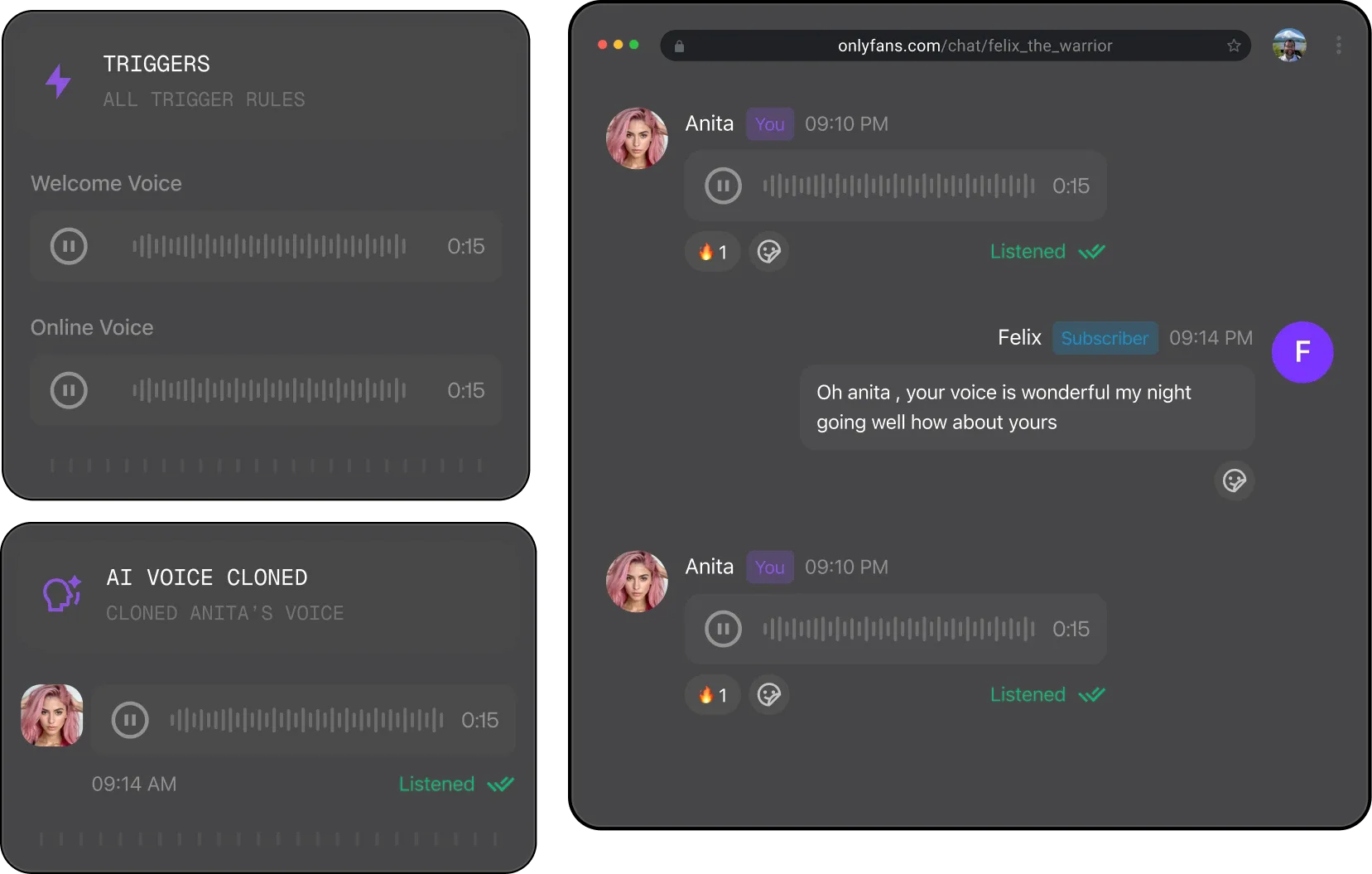
AI Voice Messages is a Fans API add-on that sends automated voice notes in the creator's own voice. You clone the voice from about 20 seconds of audio, pick a trigger such as a new subscriber, a fan coming online or a renewal, and approve the script. The add-on then sends the voice note and logs what went out. It is free per connected account up to $5,000 in monthly creator revenue, then $10 to $50 a month by revenue tier.
- Price
- Add-on per account: free up to $5k creator revenue, then $10 to $50/mo
- Product
- Fans API
Pros
- Voice notes for first messages and renewals without a chatter recording each one
- Free for accounts earning up to $5,000 a month
- Approved scripts and send logs keep the team in control
Cons
- Needs the creator's consent to clone their voice
- Sends voice notes on triggers; it does not hold a conversation
ANNA for Creators
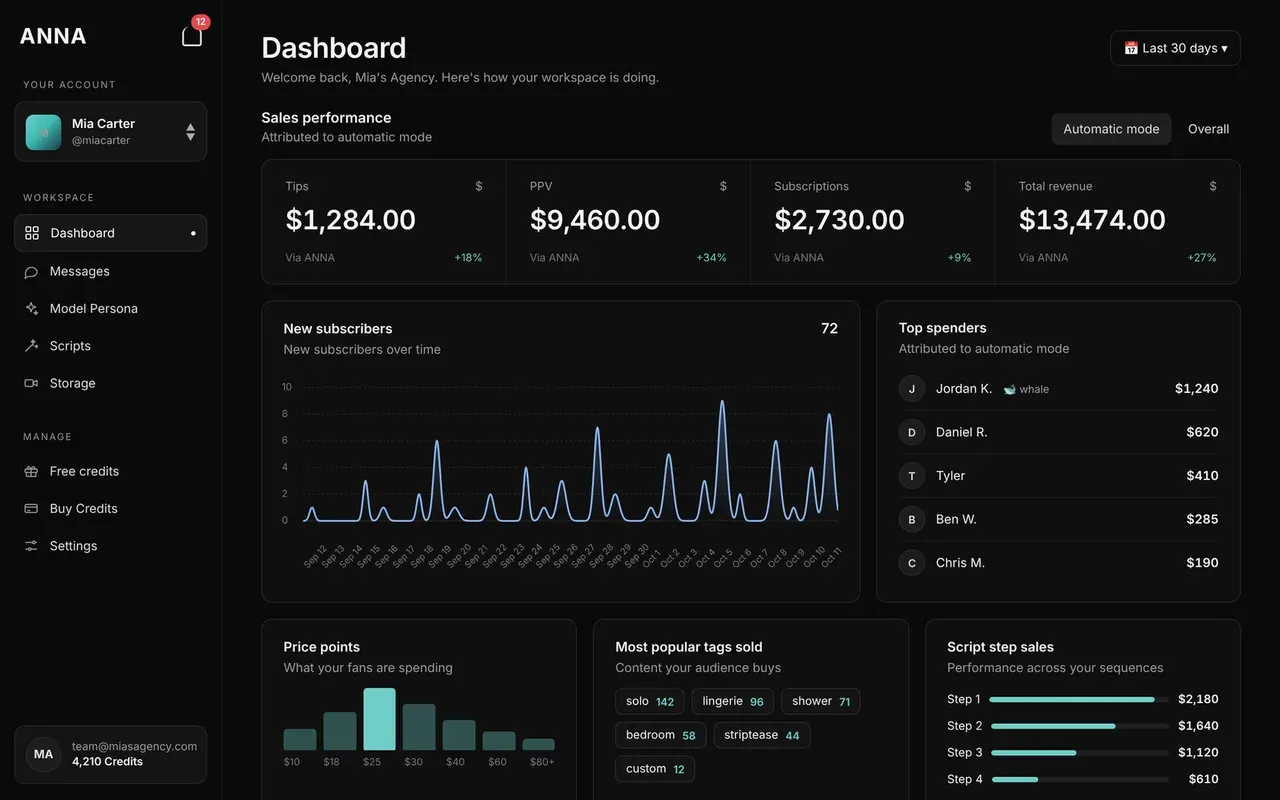
ANNA for Creators is an AI chat bot that runs OnlyFans DMs on its own. It negotiates PPV prices with fans and never goes below a floor you set. It also flags whales and time-wasters, and you can take over any chat by hand. You pay with prepaid credits, not a subscription. One credit is one message and the smallest top-up is $10. New accounts get 700 free credits with no card.
- Price
- Prepaid credits, from $10
- Product
- ANNA for Creators
Pros
- No subscription; you pay per message with prepaid credits
- 700 free credits to test it, with no card
- You set the lowest PPV price and can take over a chat by hand
Cons
- Works with OnlyFans only, and in English only
- Credits are valid for 60 days
FanLTV
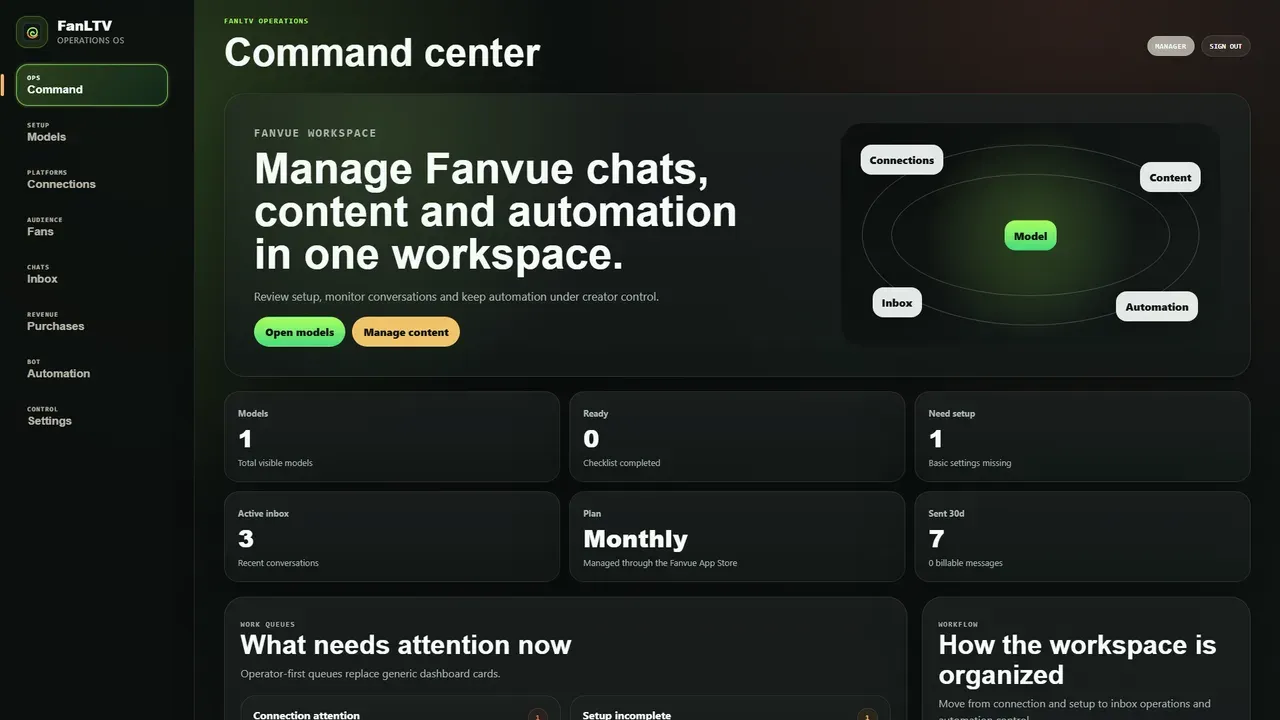
FanLTV is an AI chatting system for creator agencies. It keeps a memory of each fan, decides when to offer PPV and writes to fans who have gone quiet. You pick one of four modes, from manual to full auto. It works with Fanvue, Fansly, Telegram and Instagram business DMs, and with OnlyFans through OnlyFansAPI, which is a separate $69 a month. The price is €200 a month per creator profile with 10,000 AI messages, or 19% of the net revenue it manages.
- Price
- From €200/mo per creator profile
- Product
- FanLTV
Pros
- Covers Fanvue, Fansly, Telegram and Instagram business DMs as well as OnlyFans
- Four modes, from manual to full auto
- A choice between a fixed monthly fee and 19% of net revenue managed
Cons
- No free plan or free trial is listed on the site
- OnlyFans needs OnlyFansAPI, a separate $69 a month
OnlyAI
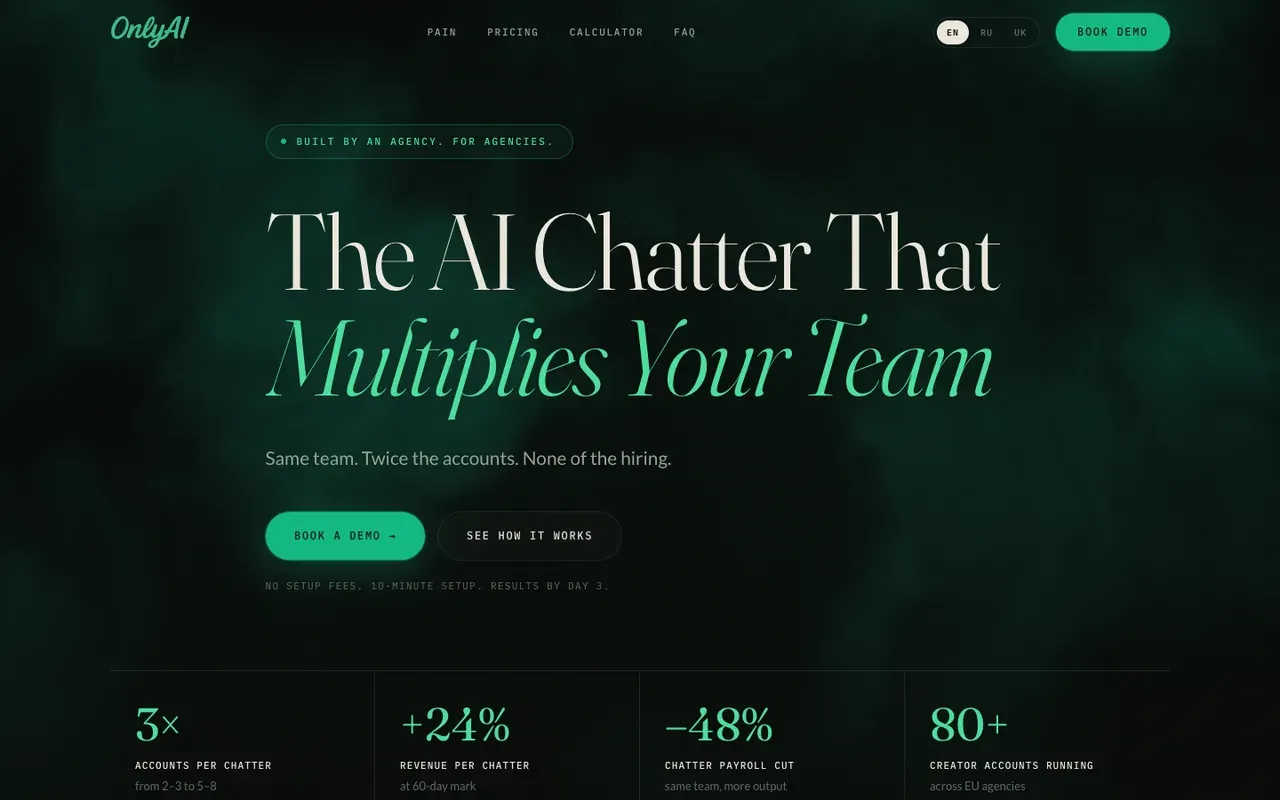
OnlyAI is an AI chatter for OnlyFans agencies. It handles routine chats and hands a fan to a human chatter once the fan reaches a spend threshold you set. It also has a copilot that helps chatters as they reply. It costs $65 to $300 a month per creator account, set by the account's turnover, plus 5% of AI-generated revenue. You start by booking a demo, and there is a 7-day pilot on 3 accounts.
- Price
- From $65/mo per account, plus 5%
- Product
- OnlyAI
Pros
- Hands a fan to a human chatter at a spend threshold you set
- The monthly price follows each account's turnover, from $65
- A 7-day pilot on 3 accounts
Cons
- Works with OnlyFans only
- No self-serve signup; you have to book a demo
- Takes 5% of AI-generated revenue on top of the monthly price
How to choose an OnlyFans chatbot setup
Start with the job you want automated. Most agencies want one of three things: replies to fans, voice openers, or help with the work behind the chats. Each one needs a different tool, and only the first one is a real OnlyFans chatbot.
You want automated replies to fans. Pick a ready-made AI chatter, ANNA for Creators, FanLTV or OnlyAI, or build your own on the OnlyFans API. To build, subscribe to the incoming message event with Webhooks, send each message to the AI model you choose, then reply through the messaging endpoint. Webhooks also fire for new subscribers, tips and paid messages that fans unlock, so the same server can run welcome sequences and upsells.
You want warmer first messages without more chatter hours. Add OnlyFans automated messages with AI Voice Messages. It sends a voice note in the creator’s cloned voice when a fan subscribes, comes online or nears renewal. Your chatters then pick up the conversation by hand.
You want help with the agency side. Use FansBot, the OnlyFans virtual assistant for your team. It reads chats, sales and fan data to build reports and score chatters. It does not reply to fans, so it fits next to your chatters rather than replacing them.
Ready-made fan chatbot or build your own
A chatbot speaks for the creator, so the agency should know who sets its prompts, its limits and its review step. Ready-made OnlyFans chatting software is quicker to start, and each tool listed here gives you some of those controls. ANNA for Creators has a price floor and manual takeover, FanLTV has four modes from manual to full auto, and OnlyAI hands a chat to a human at a spend threshold you set. When you build on the API, you decide the rest too: which model writes, which fans get automated replies, and when a chatter must approve a draft. Fans API’s own compliance notes recommend human review of AI replies before they are sent.
What to check before you build
- The platform’s terms. OnlyFans holds the creator responsible for what is sent from their account. Read the terms on automation and AI content, and get the creator’s written approval for any bot that writes in their name.
- Disclosure of AI content. Fans API’s compliance notes say AI-generated media and voice messages must feature the verified creator and carry an #ai label, as the OnlyFans terms require. Plan your voice and image flows around that.
- Who reviews replies. A draft-and-approve flow keeps a chatter in charge. Fully automatic replies are faster but riskier, so start them on low-stakes messages such as greetings.
- Developer time. Building your own AI chatbot for OnlyFans is a small software project, not a switch. You need someone to host the webhook server, write prompts and fix things when a model gives a bad answer.
OnlyFans chatter software versus a chatbot
Chatter software helps people chat faster. OnlyFans chat bots replace some of that typing. Many agencies end up with both: human chatters handle the paying fans, while automation covers greetings, renewal nudges and an OnlyFans mass message tool for scheduled offers. FansBot then checks the results, flags slow replies and shows which chatters sell the most. That mix keeps the creator’s voice in human hands where it matters, and saves hours on messages that are the same every time.
Frequently Asked Questions
Short answers to the questions agencies ask most.
Are there bots on OnlyFans?
Some accounts use automation. Agencies and creators use scheduled mass messages, automated welcome messages and AI tools that draft or send replies. Whether a given account uses them is up to the creator and their team. OnlyFans holds the creator responsible for what goes out from their account, so anyone who runs OnlyFans bots should know the platform's terms before switching one on.
What is the best OnlyFans chatbot for an agency?
There is no single best OnlyFans chatbot, because the right one depends on your scripts, your creators and how much you want a human to check. If you want a ready-made AI chatter, compare ANNA for Creators, FanLTV and OnlyAI on price and platforms. If you have a developer, building your own on the Fans API webhooks and messaging API gives you full control. If you only want automated first messages, AI Voice Messages covers that without code. If you want help with reports and chatter reviews rather than fan chat, FansBot is the tool.
Does Fans API sell a ready-made AI chatbot for OnlyFans?
No. Fans API sells the data and messaging access, not the chatbot. You or your developer pick the AI model, write the prompts and decide when a reply is sent. That takes more work than a turnkey product, but you keep the scripts and the review rules, and you can change models whenever you like.
How does OnlyFans AI chat work when you build it yourself?
When a fan sends a message, Fans API sends a webhook to your server with the message text and the sender. Your code passes the message and some chat history to an AI model, which drafts a reply. Your code, or a chatter, approves the draft and sends it back through the messaging API. You can show a typing indicator first so the reply doesn't land instantly.
What does AI OnlyFans chatbot development involve?
Plan for four parts. A server that receives webhooks, an AI model with prompts written for each creator, a store for chat history and fan notes, and a review step before anything is sent. If the creator is an AI-generated model, extra content rules apply, so check the platform's terms on AI content first. That check is the first step in AI OnlyFans model chatbot development, before any AI generated OnlyFans chatbot goes live.
Is FansBot an OnlyFans chat bot that talks to fans?
No. FansBot never messages fans and never writes replies for chatters. It works for the agency team in Telegram, Slack or Discord. It answers questions about revenue, fans and chatter performance, and it prepares reports, chatter QA and payroll data.
Can I send an OnlyFans mass message through the API?
Yes. The Fans API messaging endpoints can send a message with text, media and a price to a single chat or to fan lists. That makes the API usable as mass messaging software for OnlyFans agencies. Webhooks then tell you when a fan unlocks a paid message, so you can see what each mass message earned.
Can I build a Fansly chatbot the same way?
Yes, with the separate Fans API for Fansly. It has webhooks for incoming Fansly messages and messaging endpoints to reply, so the same build pattern works. AI Voice Messages and FansBot are built around OnlyFans accounts, so check their current platform support before you plan a Fansly setup.
How much does it cost to run an OnlyFans chatbot on Fans API?
Fans API has a free plan and paid plans at $69 and $299 a month, which cover the API (the pricing page lists webhooks on paid plans). Your AI model provider bills you separately for the replies it writes. AI Voice Messages is free per account up to $5,000 in monthly creator revenue, then $10 to $50 a month. Check the current pricing before you sign up.